.jpg)
.jpg)
.jpg)
.jpg)

Download Test DPC APK – App Developer Tool, Device Policy Testing, Enterprise App Management
Overview
Test DPC is a specialized tool designed for app developers to evaluate how their applications behave under managed device policies. It enables developers to simulate real-world enterprise environments where devices are governed by organizational rules, such as those enforced through mobile device management (MDM) systems. The software allows developers to test app functionality when restricted by policies related to app usage, data access, device features, and work profile configurations.
By setting up a work profile, developers can apply controlled restrictions to specific apps and system functions, such as disabling Wi-Fi, Bluetooth, or background data usage. This helps assess how apps respond to policy enforcement, ensuring compliance with enterprise security standards. The tool is particularly useful for developers building business-oriented or enterprise-grade applications that must operate reliably under strict administrative control.
Test DPC is not intended for general consumers or everyday users. It is exclusively designed for development and testing purposes, providing a sandboxed environment to evaluate app behavior under various managed scenarios. The developer did not provide additional information about the tool’s origin or broader ecosystem integration.
Key Features & Capabilities
- Work Profile Simulation – Developers can create and manage a work profile to test app behavior under enterprise-level policies, mimicking real-world deployment conditions.
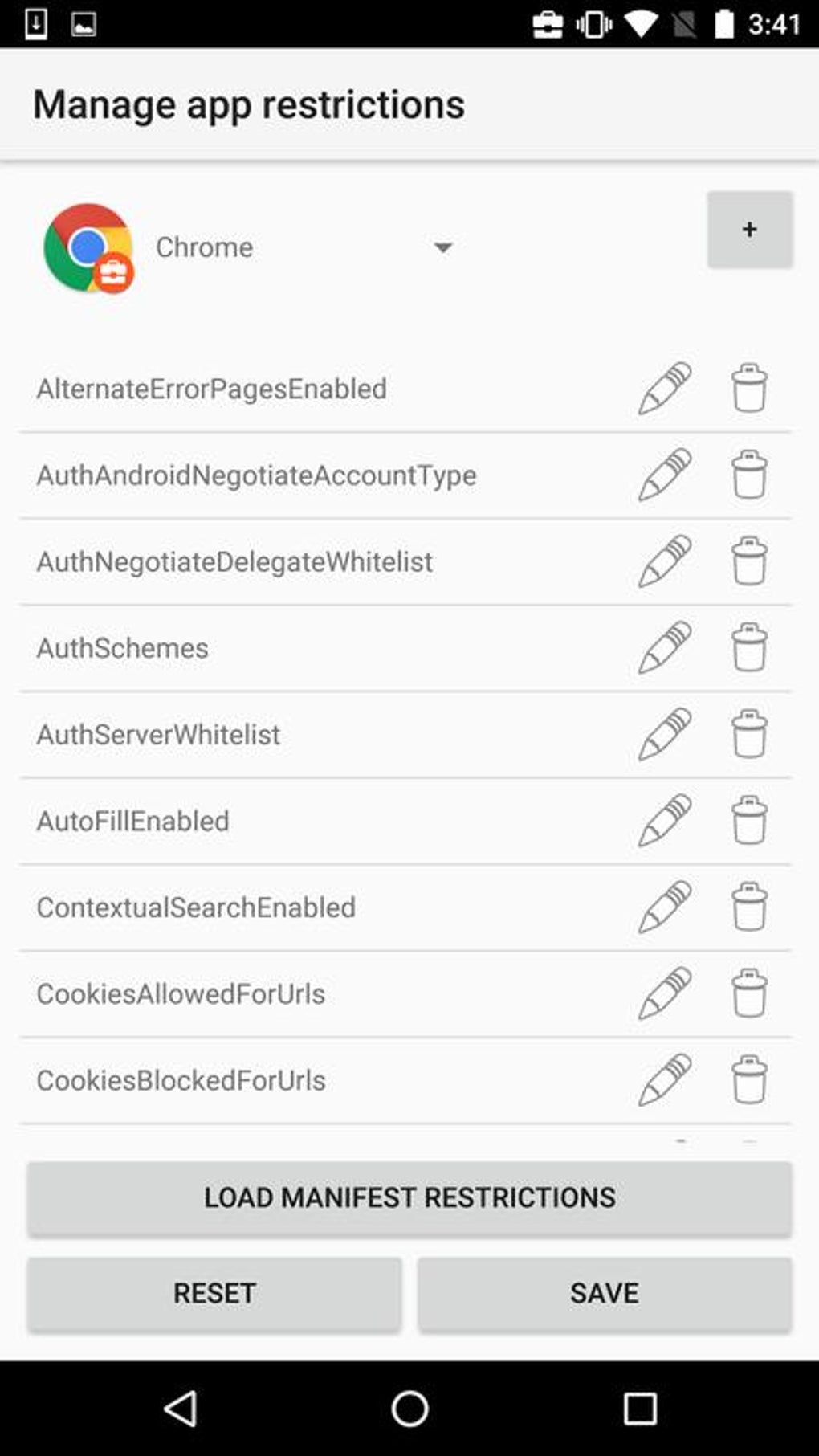
- Policy Enforcement Testing – Allows developers to apply and verify restrictions on app usage, data access, and device features such as camera, GPS, and network connections.
- Toggle-Based Controls – Simple on/off switches enable quick activation or deactivation of policies, streamlining the testing process.
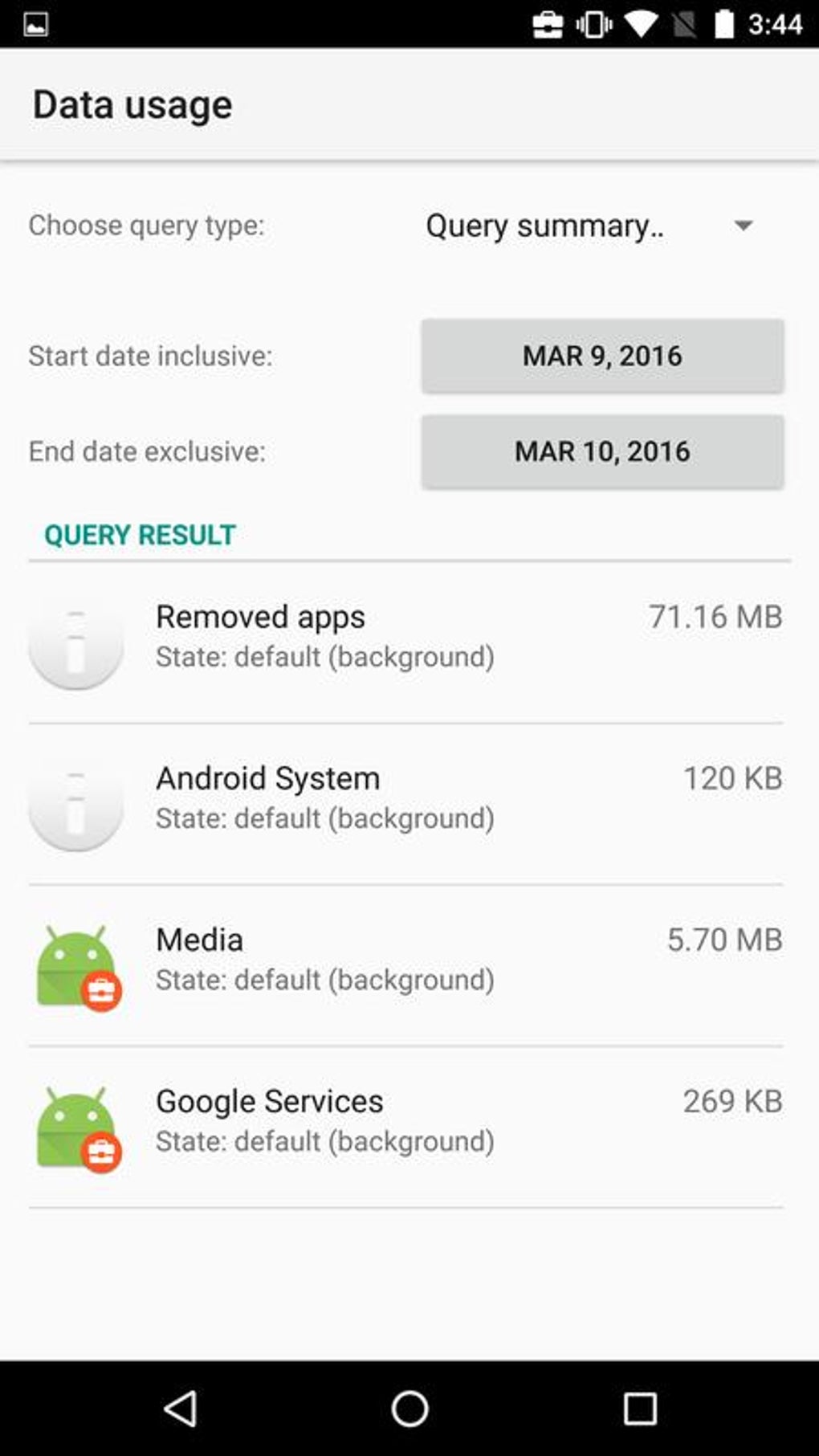
- App Behavior Monitoring – Helps identify how apps respond to enforced policies, including crashes, permission failures, or unexpected performance drops.
- Device Feature Restrictions – Supports testing of scenarios where Bluetooth, Wi-Fi, or automatic updates are disabled to assess impact on app functionality.
These features allow developers to proactively detect and resolve issues before releasing apps into production environments. For example, a developer can test whether a business app continues to function properly when background data is restricted or when location services are disabled by policy. This ensures the app remains stable and secure under managed conditions, reducing the risk of deployment failures.
User Interface, Workflow & Performance
Test DPC features a clean, organized interface tailored for technical users. The layout prioritizes accessibility and clarity, with clearly labeled toggle switches and policy categories. Navigation is straightforward, allowing developers to quickly switch between different policy configurations and test scenarios.
Workflow efficiency is enhanced by the tool’s direct interaction model—users can apply a policy and immediately observe its effect on the target app. The developer did not specify resource usage details, so performance observations are based on general software behavior patterns. No reported stability issues were mentioned, but real-world testing is recommended for extended use.
Given its purpose as a testing utility, the tool is expected to operate efficiently without heavy system demands. However, exact CPU or RAM behavior was not disclosed. The interface remains responsive during policy changes, suggesting a lightweight design focused on functionality over visual complexity.
Compatibility & System Requirements
Test DPC is available as an APK file, indicating it is designed for Android-based devices. The software is compatible with Android operating systems, though specific version requirements were not provided. Installation size is not specified, and no hardware requirements were listed.
The developer did not specify which Android versions support the app or whether it requires specific device configurations. Compatibility information is limited to the APK format, suggesting it can be installed on most Android devices with sideloading enabled. Users should verify device compatibility through trial installation.
Exact system requirements were not listed. Developers are advised to test the tool on target devices before relying on it for production-level testing.
Pros and Cons
Pros
- Specifically designed for app developers and testers
- Enables simulation of enterprise device policies
- Simple toggle-based interface for quick policy application
- Helps ensure app compliance with security and management standards
- Supports testing under restricted conditions such as limited data or disabled features
Cons
- Not suitable for general users or non-developers
- No official documentation or support channels mentioned
- Compatibility details for Android versions are unclear
- Limited to Android platform via APK
- No information on update frequency or long-term maintenance
FAQ Section
Is Test DPC available for iOS devices?
Test DPC is distributed as an APK file, which is exclusive to Android. There is no indication that it supports iOS devices.
Can I use Test DPC on a regular Android phone?
Yes, the tool can be installed on a standard Android device via APK sideloading, provided the device allows installation from unknown sources.
Is Test DPC safe to use?
As a development tool, Test DPC is intended for testing purposes. Users should only install it on devices they control and avoid using it on personal or sensitive devices.
How often is Test DPC updated?
The update frequency was not specified by the developer. Users should check the source for the latest version.
Do I need a license to use Test DPC?
Test DPC is distributed as a free tool for developers. No licensing information was provided, but it is not intended for commercial distribution.
Final Thoughts
Test DPC is a focused, developer-centric tool that fills a critical gap in app testing workflows. Its ability to simulate enterprise device policies makes it invaluable for developers building apps for business or organizational use. While it lacks broad consumer appeal, its precision and functionality cater directly to the needs of app testers and developers aiming for secure, compliant, and stable deployments.
Despite limited documentation and unclear compatibility details, the tool delivers on its core promise: testing app behavior under managed conditions. For developers committed to enterprise readiness, Test DPC offers a practical, no-frills solution to validate app performance before public release.
Download Test DPC APK now





.png)

